Pup Poop!
Puppy Potty Training Timer
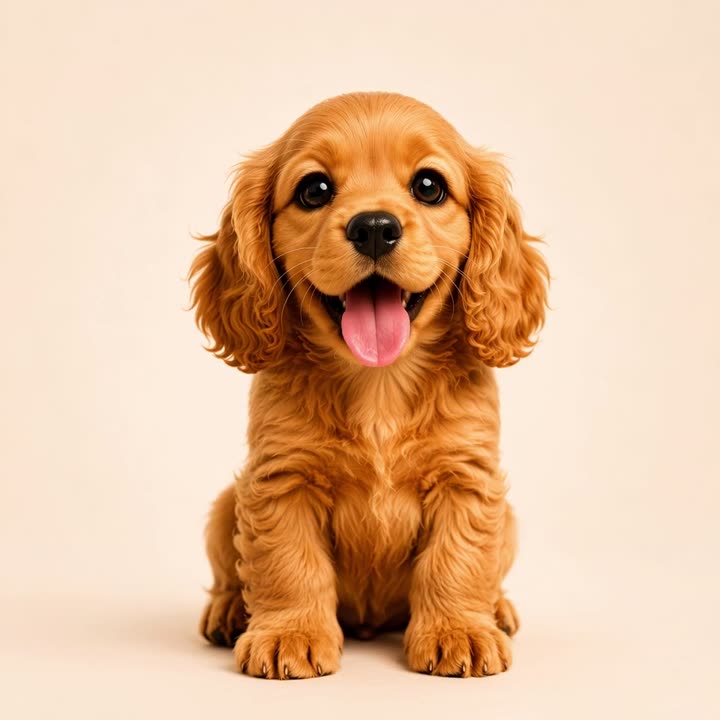
A cuddly puppy that counts down to the next potty break — and gets happier, then antsier, until it's time to go out. One tap and the timer resets. It's poopin' time! 🐾

Coming soon to iPhone
From cozy to "let's GO"
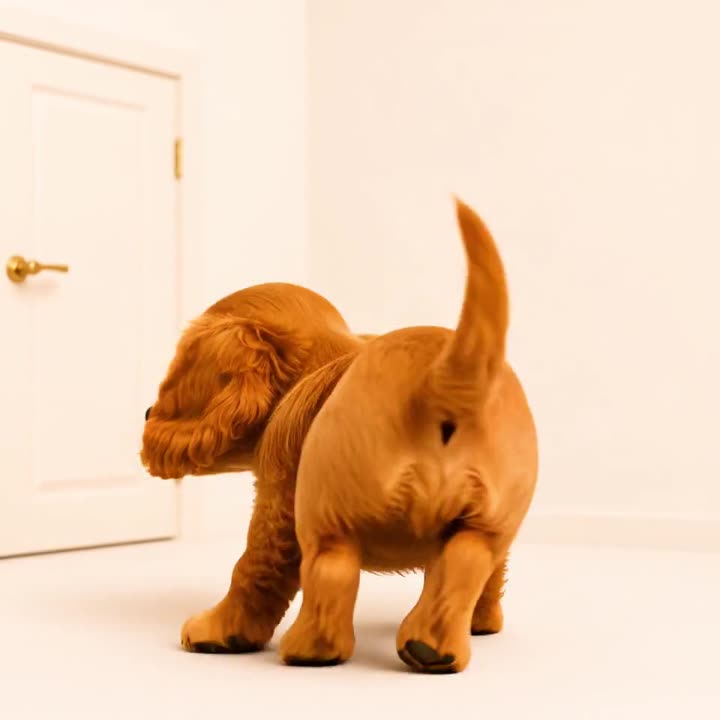
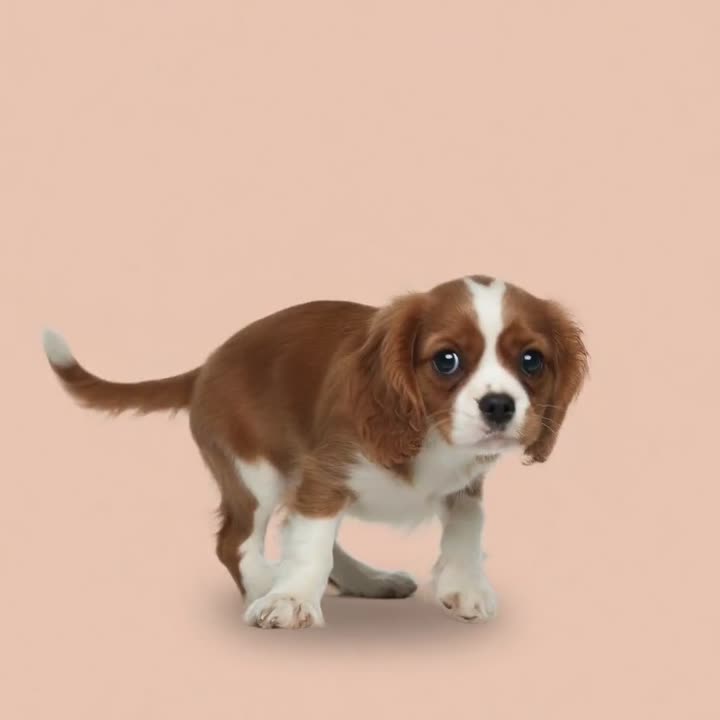
One puppy, five moods — the countdown is the story. This is exactly what lives in the app.




How it works
A potty timer that tugs at your heart instead of nagging you.
A living countdown
Your puppy plays when there's plenty of time, then nudges you toward the door as the minutes tick away.
One-tap logging
Tap when you go out and the timer resets with a burst of joy and licks. Every trip is logged.
On your Lock Screen
A Live Activity keeps your pup — and the countdown — right on your Lock Screen and Dynamic Island.
9 breeds, 10 languages
Pick the pup that looks like yours, in your language. The Cocker Spaniel is free forever.
Respects your sleep
Gentle reminders — and a bedtime mode that keeps nights quiet between 10 pm and 6 am.
No account, no ads
Everything lives on your phone. No sign-up, no ads, no tracking to use the app.
Meet the pups
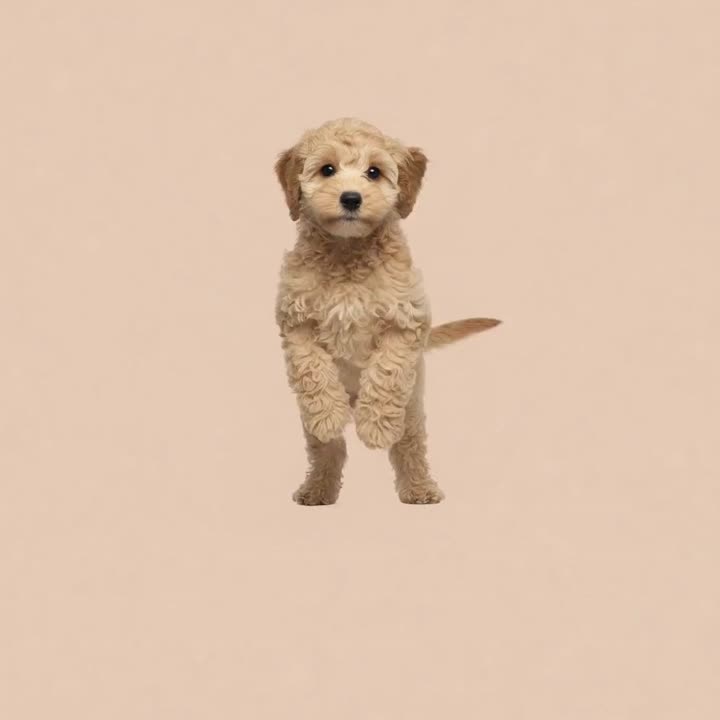
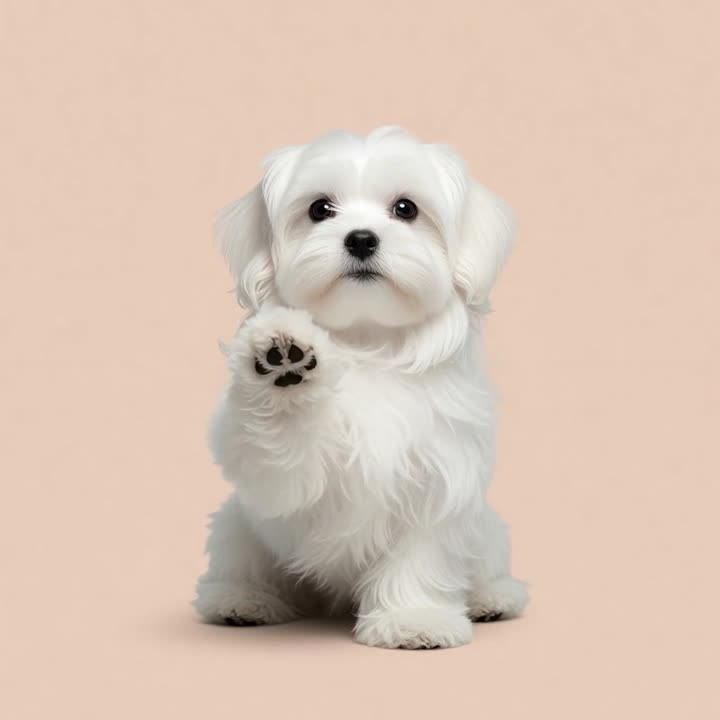
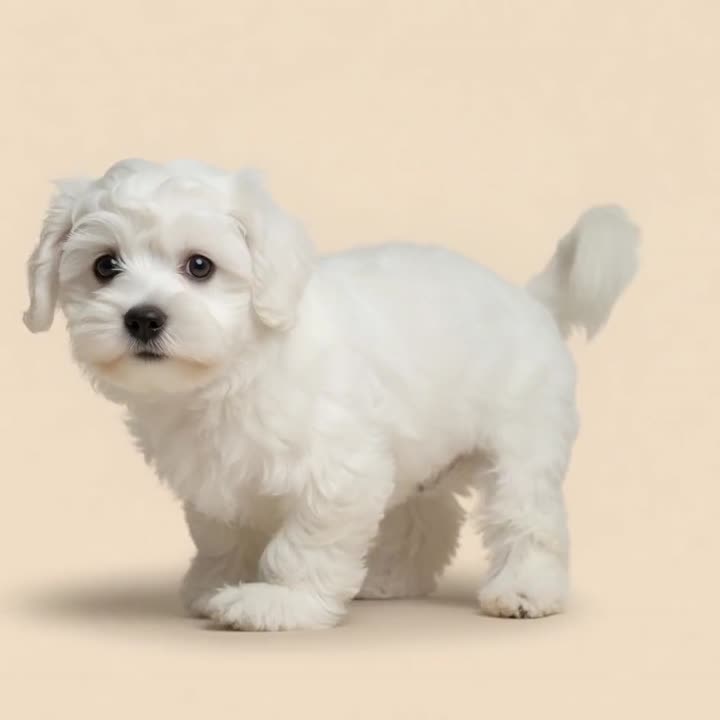
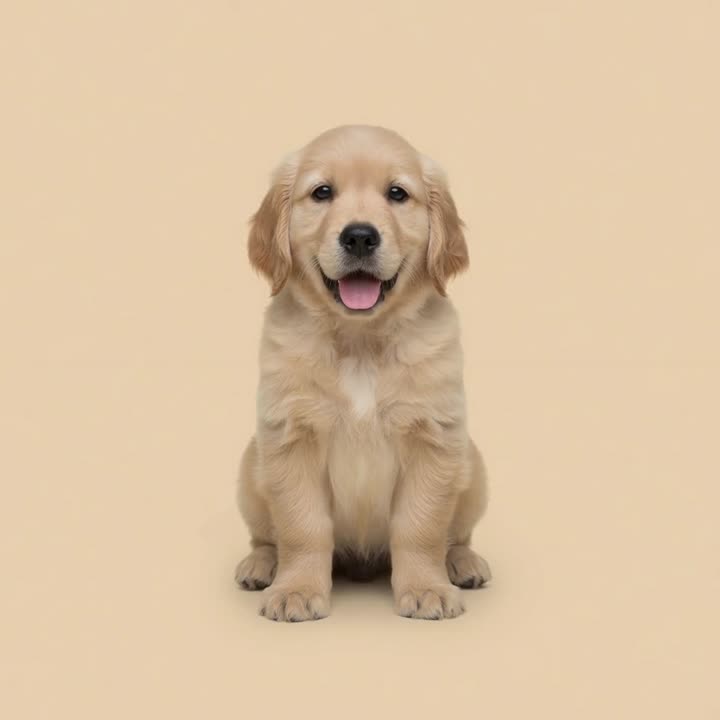
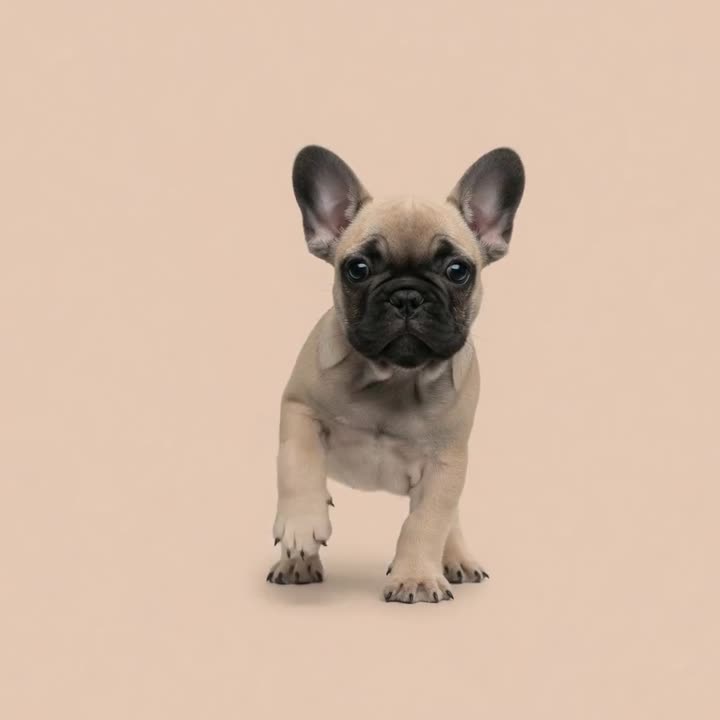
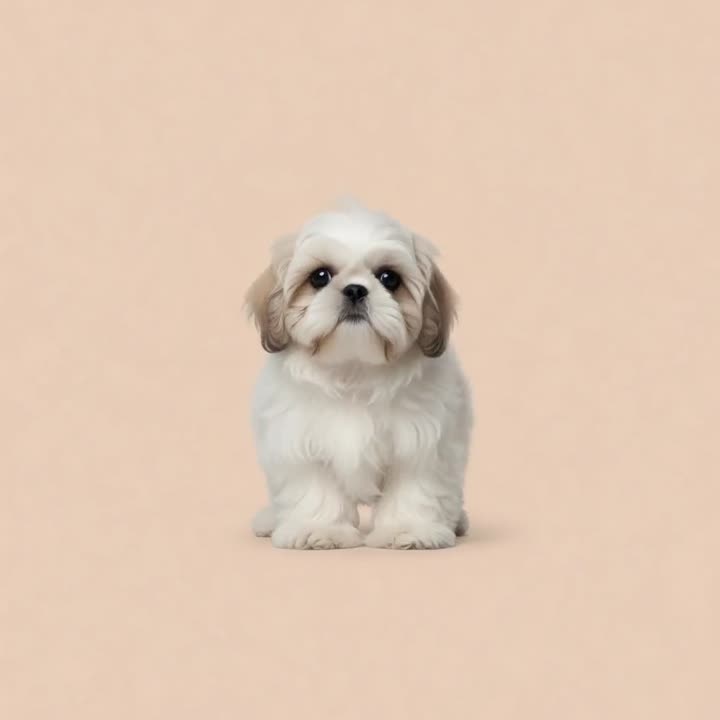
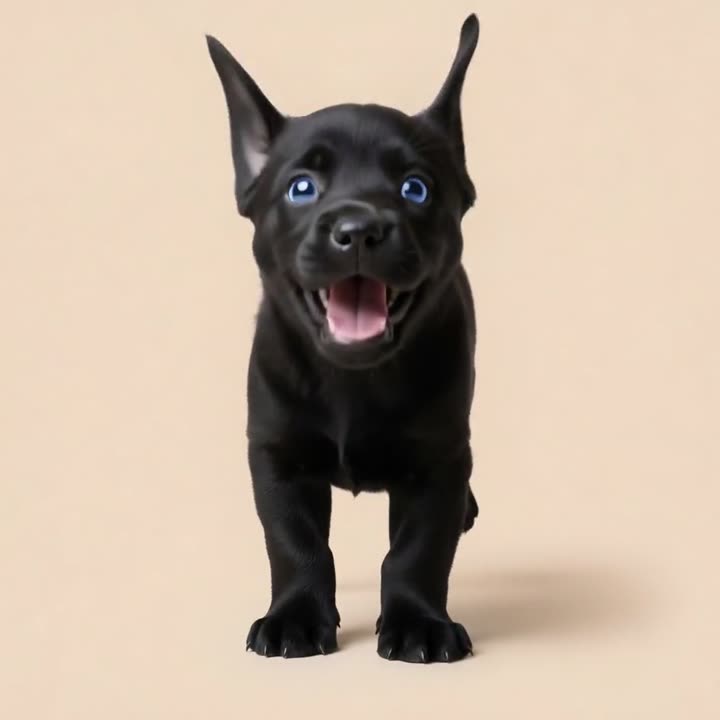
All nine breeds live in the app — here are eight of them saying hi. Biscuit the Cocker you've already met above.
Support
Stuck, or just want to say hi? Most questions have a quick answer below.
Getting started
How does the timer work?
Set how often your puppy needs to go out (typically ~1 hour per month of age). The countdown runs to the next break; your pup’s mood shifts from playful to antsy as it nears. Tap 💧 or 💩 when you go out and the timer resets.
What are the two buttons?
They log a pee or a poop — named with cuddly, kid-friendly words in each language (Bimmelim & Bummelum in Danish). Both reset the countdown so your pup knows it just went out.
The app is in the wrong language
Pup Poop! has its own language setting, separate from your phone’s. Open the app → Settings → Language.
Reminders
My reminder didn’t arrive
It’s almost always one of these four — check them in order:
- Is your ringer on? The switch on the side of your iPhone. On silent, the reminder still arrives — you just won’t hear it.
- Do you wear an Apple Watch? When your watch is on your wrist and unlocked, iPhone sends notifications there instead of showing them on the phone. Check your watch, or take it off and try again.
- Is a Focus turned on? Sleep, Work, Driving or a custom Focus can hold notifications back. Settings → Focus → your Focus → Apps → add Pup Poop!
- Are notifications allowed? Settings → Pup Poop! → Notifications → Allow Notifications on, with Lock Screen and Banners ticked.
Still nothing? Email us with your iPhone model and iOS version and we’ll help.
Why is it quiet at night?
Pup Poop! has a bedtime mode: between 10 pm and 6 am the puppy stays quiet — no buzzing, and a countdown that runs out overnight is picked up by a gentle good-morning reminder instead. You control it in the app under Settings → Reminders.
I tapped “Don’t Allow” by mistake
Settings → Pup Poop! → Notifications → turn Allow Notifications back on.
How many reminders will I get?
At most three per countdown: a heads-up, the reminder itself, and one gentle follow-up if the trip hasn’t happened. Never more than one follow-up — and never marketing, offers or “check out our new feature”.
The puppy on your Lock Screen
I don’t see the puppy on my Lock Screen
Two things need to be true: you have the Puppy Pack, and Settings → Pup Poop! → Live Activities is turned on. If you tapped “Don’t Allow” when it first asked, that’s where you turn it back on.
The card is still there hours later
The puppy waits until you log the trip. Once it’s overdue, the card swaps the countdown for an urgent nudge that it’s time to go — tap it to open the app and log the trip, and the countdown resets.
Can I turn it off without losing anything?
Yes. Settings → Pup Poop! → Live Activities → off. Everything else keeps working and your purchase is untouched.
The puppy disappeared from my Lock Screen
That’s iOS housekeeping, not a bug: the system gives every Lock Screen card a natural lifetime — typically 8–12 hours — and also removes it if you force-quit the app (swipe it away in the app switcher). Nothing is lost: open Pup Poop! and the card comes right back with the correct countdown.
The Puppy Pack
What’s the Puppy Pack?
The timer, log, streaks and reminders are free forever with the Cocker Spaniel. For your first 3 days you also get the whole Puppy Pack as a gift: your chosen breed everywhere, the Lock Screen puppy, and the full puppy voice. After that you can keep it for a one-time $9.99 / 79 kr (no subscription), or continue free with the Cocker.
Is it really a one-time payment?
Yes. No subscription, no renewal, nothing recurring. You pay once and it’s yours — including every breed we add later.
I bought the pack on another phone
Go to Settings inside the app and tap “Restore purchases” — your Puppy Pack follows your Apple ID.
Something went wrong during payment
If a purchase fails or you cancel, nothing is charged. Try again from Settings → Get the Puppy Pack. If you think you’ve been charged incorrectly, Apple handles all refunds at reportaproblem.apple.com.
Still need a paw? Email us — we read every message. Pup Poop! is made in Denmark, and your mail reaches us directly.
hello@puppoop.appPrivacy Policy
Last updated: July 2026
Pup Poop! ("the app") is made by Sandet Apps ApS (CVR 46701062) ("we", "us"). We built the app to respect your privacy. This policy explains what the app does — and does not do — with information.
What we store
Your puppy's name, breed, age, chosen interval and your potty log are stored only on your device. This information never leaves your phone and is not sent to us or anyone else. Deleting the app removes it.
Notifications
Reminders are scheduled locally on your device by iOS. We do not run a server and do not send push notifications from outside your phone.
Purchases
The optional Puppy Pack is a one-time in-app purchase handled entirely by Apple. We never see or store your payment details. Apple may provide us with anonymous, aggregated sales statistics.
Analytics & diagnostics
We may use privacy-respecting, aggregated analytics and crash diagnostics (such as Apple's own App Analytics) to understand how the app is used and to fix bugs. Any such data is anonymous and cannot be used to identify you. We do not use third-party advertising or cross-app tracking, and we never sell your data.
Children
Pup Poop! is family-friendly and does not knowingly collect personal information from anyone, including children.
Your rights
Because your data lives only on your device, you are fully in control of it. You can edit or erase it at any time in the app, or by deleting the app. If you have questions about your data under the GDPR or other laws, contact us below.
Changes
If this policy changes, we'll update the date at the top and post the new version here.
Contact
Questions about privacy? Email hello@puppoop.app.